

Creative Digital Strategies
for Business Success
Contact Information
WordPress Website Development
WordPress Sites Built in Code, Not Assembled From a Theme
Unlike developing sites that use themes to assemble their pages, a custom WordPress developer develops a site in code, using custom plugins and a custom-designed theme for one business. In contrast to assembling a theme and forcing it to perform by adding many third-party plugins together, every element including the theme, custom post type, data model, integration and user visible elements are designed to meet your unique needs.
Many businesses do not require this level of customization. Many companies will be able to continue to grow and develop with a clean template and a solid builder. However, if you find yourself at a point where you are limited by your current site, then this article is intended to provide information and guidance as you consider whether a custom WordPress solution would best meet your business needs. By the time you finish reading this page you will understand how to determine whether a custom WordPress solution meets your needs, what is involved with implementing such a solution, and what issues often arise during the implementation process.
5.0 on Trustpilot
150+ builds shipped
You own the code
multidivs.com — engineered
Your product, engineered
Core Web Vitals
LCP · INP · CLS ✓
owner = "you"
no lock-in
Architecture-first deliveryYou own the codeCore Web Vitals150+ builds shippedWordPress · Shopify · MERNSEO from the ground upArchitecture-first deliveryYou own the codeCore Web Vitals150+ builds shippedWordPress · Shopify · MERNSEO from the ground up
The honest test
What scenarios make custom WordPress development appropriate?
You may want to pursue custom WordPress development when your website has logic that cannot be easily accomplished through plugins; when your website integrates with another system; when customer traffic is being lost due to poor website performance; or when your website is growing faster than your current theme and accompanying plugins can support. On the other hand, if your website requires no special features beyond a basic brochure style website, selecting a high-quality theme will generally be the better choice financially.
"Across 150+ custom WordPress builds Multidivs done, the businesses that got the greatest value out of a custom WordPress build had typically been trying to fight a theme that just about worked for them for a year.
— Experience marker to insert
Diagnosis
Signs you've outgrown your theme
Themes fail quietly. You rarely get one clean breaking point. You get friction that compounds. The common signals:
01
Plugin sprawl
Every new feature means another plugin, and the plugins now conflict with each other.
02
Stuck speed
The site is slow and no caching plugin fixes it, because the bloat is in the theme and the page builder.
03
Manual data
You're pasting data between WordPress and your CRM, ERP, or inventory system by hand.
04
The builder fights you
Simple layout changes need a developer because the page builder gets in the way.
05
Wobble under load
Traffic is growing and the site struggles, usually on slow queries with no object cache behind them.
06
Sameness
Your brand looks like three other companies running the same theme.
Worth it vs not
A straight test, not a sales pitch
Buyers waste money going custom too early, or lose years staying on a theme too long. Here's the line.
GO CUSTOM
// custom WordPress earns its cost when
- You need custom logic: quoting, booking, member portals, membership tiers, gated content, or pricing rules that a plugin can't do cleanly.
- You're integrating a CRM, ERP, payment or shipping providers, or an internal database over APIs, or running WooCommerce with non-standard checkout logic.
- Performance is a business problem you've already tried and failed to fix with plugins.
- You're building for scale and don't want to rebuild in two years.
- Your content model needs custom post types and fields a theme was never built for.
DON'T HIRE US
// a theme already does the job when
- You're validating an idea and don't yet know if anyone wants it. Ship a theme, learn, then build.
- Your budget is below the point where custom makes sense. We'll tell you honestly where that line is.
- A standard Shopify or WordPress template already does the work.
- You need a simple brochure site and nothing more.
We always say what’s right and what’s needed. We believe in transparency, trust and honesty.
Our projects
All projects
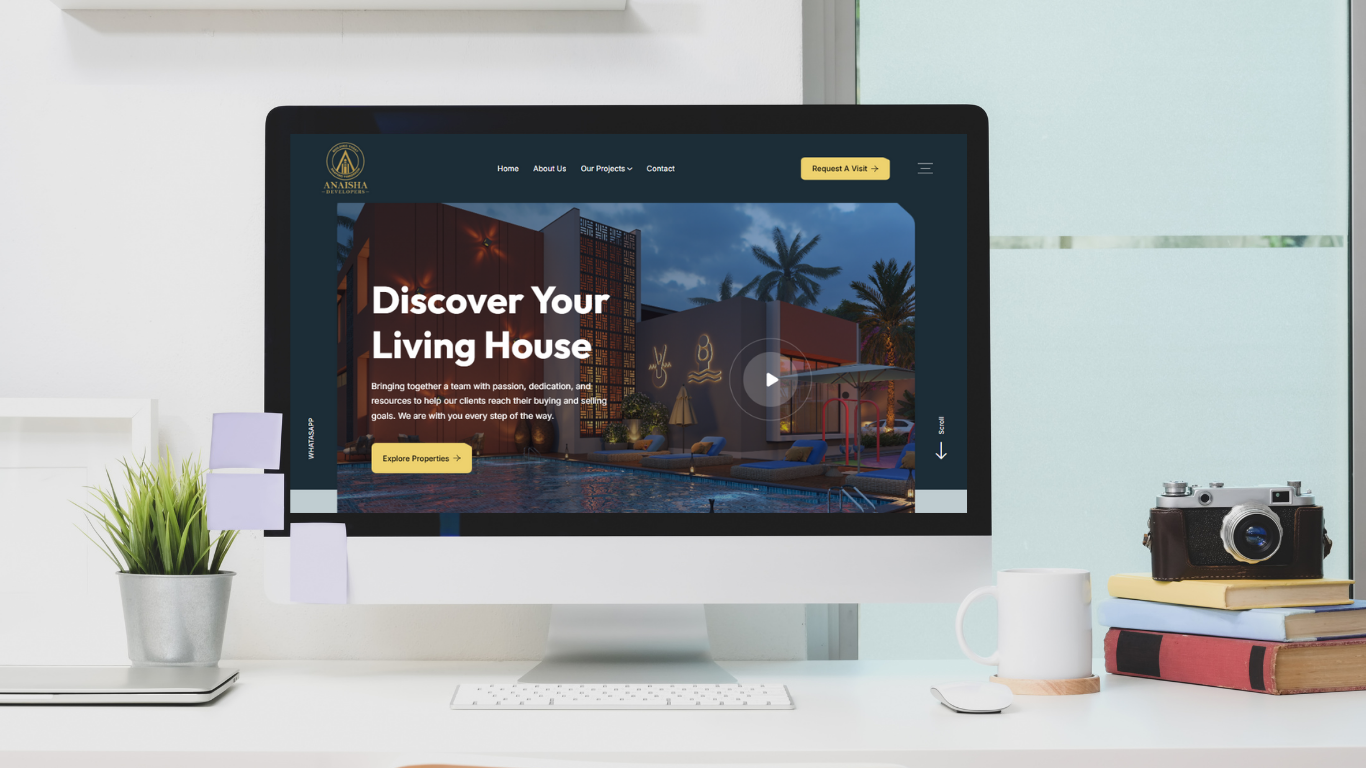
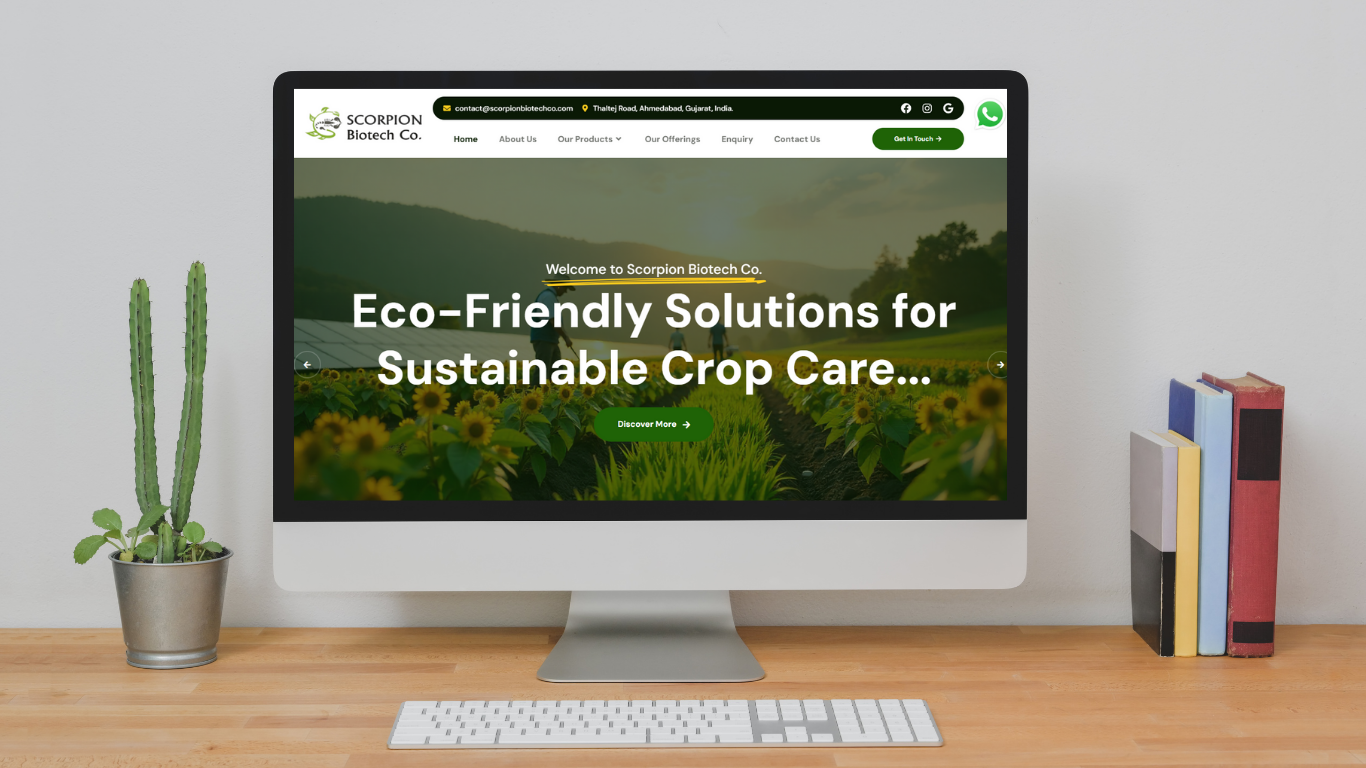
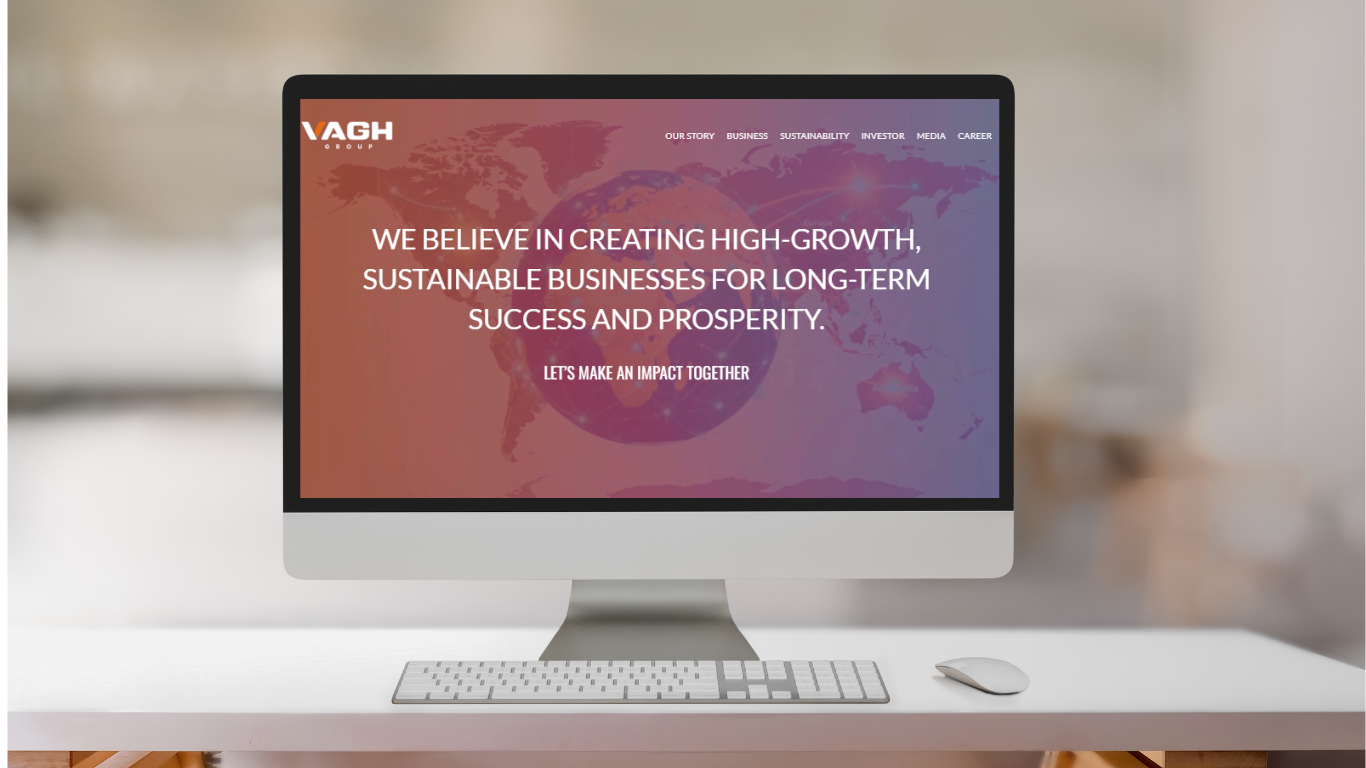
Featured WordPress development
Our delivery method
The FRAME method: how we build
Most agencies start with a theme and a mockup. We start with architecture, because the expensive WordPress rebuilds we get called in to fix almost always fail at the structure, not the styling.
F
STEP 01/05
Frame the business case
Goals, constraints, budget reality, and what success actually looks like. The build maps to real business goals, not guesses. If a theme is the right call, this is where we say so.
R
STEP 02/05
Research users & requirements
User needs, a competitor teardown, and a functional spec that pins down scope before anyone designs anything. Built for your content and your users, not adapted from a theme demo.
A
STEP 03/05
Architect the system
Information architecture, custom post types and taxonomies, the data model, the hosting and stack decision, and a map of every integration. The stage themes skip, and the one most rebuilds regret skipping.
M
STEP 04/05
Make: design, then engineer
Interface design and prototyping, then a hand-built theme, custom blocks, and any custom plugins, built to the architecture rather than around a builder's limits.
E
STEP 05/05
Evolve after launch
QA, deployment, and then the part that never ends: measuring real behaviour and improving against it.
A focused marketing site takes several weeks. A larger WooCommerce or platform build takes a few months. Anyone quoting a firm timeline before the Architect stage is guessing.
Under the hood
What "built properly" actually means in WordPress
Custom development is a set of engineering decisions — and each one has consequences.
05 · Performance
Core Web Vitals, from component one
We build to Google's field thresholds. Fewer than half of mobile sites pass all three, which is exactly why it's an edge.
<2.5s
LCP
<200ms
INP
<0.1
CLS
01
Site and information architecture
How pages, custom post types, taxonomies, and data relate. Good architecture is why a WordPress site stays fast and editable as it grows, and why search engines crawl it cleanly.
02
Custom WordPress Theme Development
A hand-built theme or block theme, responsive and accessible, with Core Web Vitals in mind from the first component, instead of a bloated multipurpose theme carrying code you'll never use.
03
Custom WordPress Plugin Development
The logic, data, and security behind the scenes on PHP and MySQL. Custom functionality lives in purpose-built plugins, isolated from the theme, so an update or a redesign never breaks it.
04
WooCommerce Customization
Checkout, pricing, subscriptions, and fulfilment built to how you actually sell, connected to the payment and shipping providers you already use.
06
API integrations and auth
Connecting WordPress to the systems you run, payments, CRM, shipping, and internal tools, over well-structured APIs with proper authentication.
07
Accessibility (WCAG)
Correct heading order, alt text, keyboard support, and colour contrast. Right to do, widens your audience, and overlaps with what search engines reward.
08 · Security, hosting, and deployment
Hardening, HTTPS, sensible managed hosting, staging, and a CI/CD process where the project warrants it, so releases are safe and repeatable.
When you need an app-like front end, we run WordPress as a headless CMS behind a React or Next.js front end, keeping the editor your team knows while the front end gets faster.
GutenbergACF
ElementorBeaver Builder
DiviWPBakery
WooCommercePHP / MySQL
ReactNext.jsMERN
GutenbergACF
ElementorBeaver Builder
DiviWPBakery
WooCommercePHP / MySQL
ReactNext.jsMERN
An honest comparison
Off-the-shelf theme vs custom WordPress vs headless
Most comparison content is written to push you toward the expensive option. Here are the real trade-offs, including where custom loses.
| Criteria | Off-the-shelf theme | Custom WordPress | Headless WordPress |
|---|---|---|---|
| Upfront cost | Lowest | Highest | High |
| Time to launch | Fastest | Slower | Slower |
| Flexibility | Limited by theme | Effectively unlimited | High |
| Performance ceiling | Capped by bloat | Highest | Highest |
| Editor experience | Familiar | Familiar | Familiar (WP admin) |
| Ownership | You rent the theme and plugins | You own the code | You own the code |
| Best for | Brochure sites, MVPs | Custom logic, WooCommerce, scale | App-like front ends, content at scale |
If the theme column fits your needs, take it. Custom wins only when flexibility, performance, and ownership are worth the higher upfront cost.
The payback
How custom WordPress pays back
It costs more on day one and less over time. The payback shows up in three places.
~8%
Speed → conversions
A 0.1-second load-time improvement lifted retail conversions by about 8%. A custom WordPress site carries only the code it needs.
// Google & Deloitte3×
Faster sites convert
Sites loading in one second convert roughly three times better than five-second ones. The performance a custom build buys is revenue, not vanity.
// Portent0
Rebuilds in year two
Integrations and custom plugins built in kill the manual copy-pasting and plugin conflicts. You're not rebuilding when a theme hits its ceiling.
// longevity
Ownership
Do I own the code? Yes.
You're not locked into a proprietary builder or a rented theme, and you can move to another team whenever you want, without losing what you paid for.
// license.config
owner = "you";
lock_in = false;
portable = true;
owner = "you";
lock_in = false;
portable = true;
Learn from these
Common mistakes in custom WordPress projects
The failures we get called in to fix repeat themselves.
A
Spending the budget on visual polish and starving the architecture.
B
Skipping the requirements spec, so scope balloons mid-build.
C
Cramming custom logic into the theme instead of a plugin, so an update breaks the site.
D
Treating SEO and performance as post-launch tasks, not build constraints.
E
Choosing a stack or a plugin set the in-house team can't maintain after handover.
Answered directly
Frequently asked questions
What is custom WordPress website development?
Building a WordPress site around one business in code, using a hand-built theme and purpose-built plugins, instead of assembling an off-the-shelf theme and a stack of third-party plugins. The theme, custom post types, data model, and integrations are all built for your specific needs.
How much does a custom WordPress website cost?
It depends on scope. A custom marketing site costs far less than a WooCommerce store with custom checkout logic, member portals, or CRM integrations. The honest way to price it is to scope the work first, then quote a real number.
How long does it take?
A focused site usually takes several weeks. A larger build with WooCommerce, custom plugins, or integrations takes a few months.
Do I own the website and code?
Yes. The theme, custom plugins, and code are yours, with no lock-in to a proprietary page builder or platform.
Can you make an existing slow WordPress site faster?
Often, yes, sometimes without a full rebuild. Removing plugin bloat, fixing slow database queries, adding object caching and a CDN, and optimizing images can go a long way before custom code is needed.
Will my SEO rankings drop during a rebuild?
They can, if the migration is careless. We protect rankings by mapping and redirecting old URLs, preserving metadata and structure, and keeping the site crawlable through the switch. A planned migration usually holds rankings and often improves them.
Do you build custom plugins and WooCommerce stores too?
Yes. We build custom plugins to keep functionality separate from the theme, and WooCommerce stores with non-standard checkout, pricing, and fulfilment logic.
Ready when you are
Find out if custom WordPress is right for you
Tell us what you're trying to build. If custom WordPress is the answer, we'll come back with a scope and a recommendation. If it isn't, we'll tell you that too, and point you at the cheaper option that fits.
+91 9898 927 052 · contact@multidivs.com